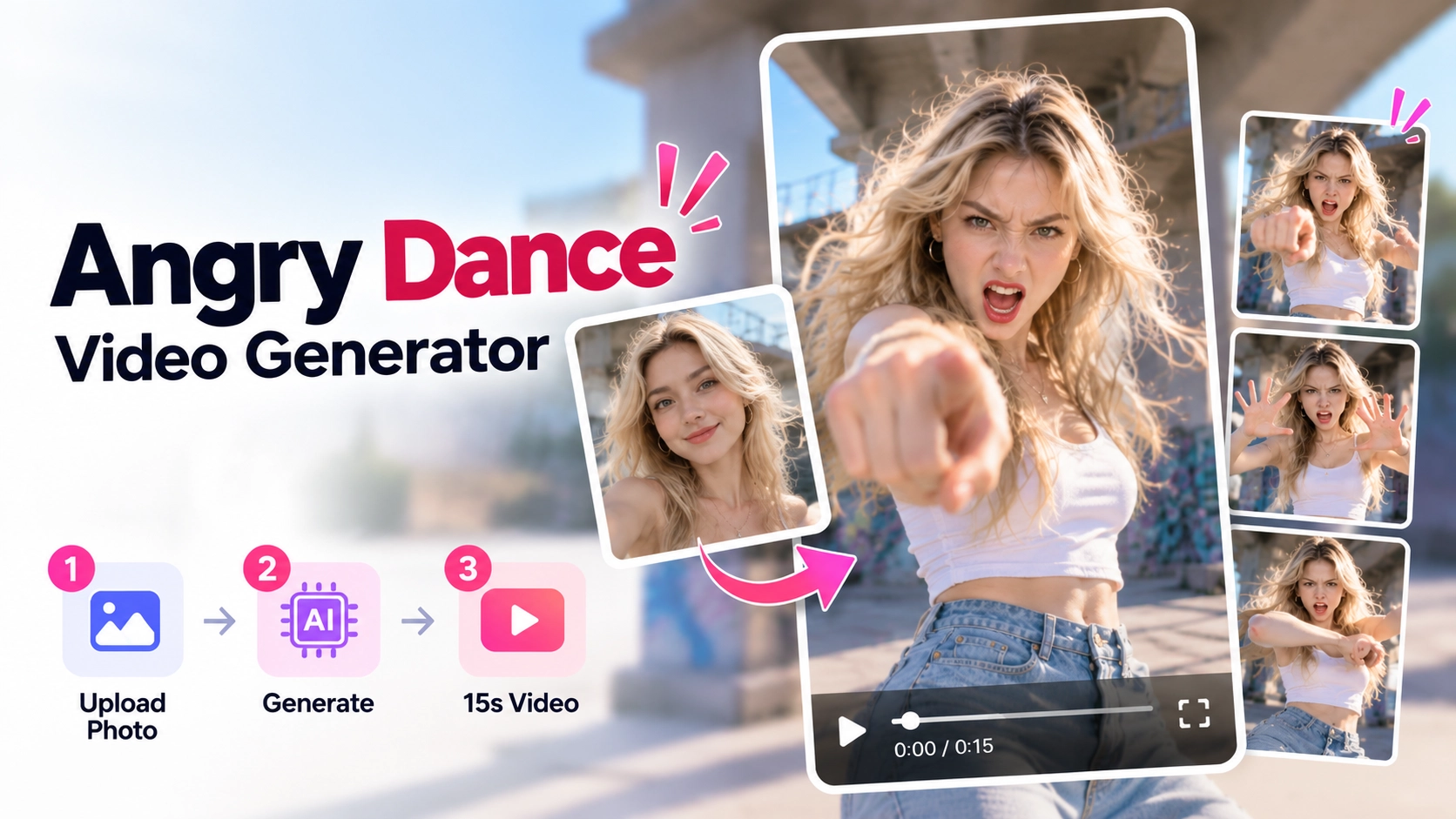
How to Make an Angry Dance Video on AngryDance.net
Make an Angry Dance video from one photo on AngryDance.net. Follow the homepage workflow, choose quality, review credits, and create a funny reaction clip.
Someone adds “one last thing” as the meeting ends. You finally sit down and notice the light is still on. A dramatic dance with a frustrated expression can turn either moment into a reaction video.
On AngryDance.net, you can make that clip from one photo. The homepage already includes the Angry Dance routine and movement instructions: upload a portrait, select a quality tier, review credits, and generate. There is no choreography to learn and no custom prompt to write.
What does an Angry Dance video look like?
The effect combines an exaggerated angry or impatient expression with pointing and dramatic hand gestures. Your photo provides the subject's appearance, while the prepared reference guides the movements and timing. You may see the term “Angry Dance filter,” but this workflow creates an AI video from a still image.
Watch the example to decide whether this is the expression and movement style you want:
The current homepage template is configured for a 15-second, vertical 9:16 MP4 video with the accompanying template soundtrack. Preview the reference on the homepage before you start.
Choose a photo that leaves room for the gestures
A clear, front-facing photo with a natural expression is a useful starting point. Choose a vertical waist-up or full-body shot, with the face, arms, and hands visible where possible. A simple background helps keep the main subject easy to identify.
Avoid blurry photos, strong facial shadows, sunglasses, masks, and hands over the face. Use one person rather than a group photo. You do not need to pose angrily: the reference guides that part of the performance. If the photo belongs to a friend, get their permission first.
Create your clip on the homepage
1. Sign in and upload your portrait
Open the Angry Dance video generator. Sign in before preparing your generation, then choose Photo of You and add a JPG, PNG, or WebP image. Check the preview to confirm you selected the right person.
2. Choose quality and review the credit cost
The homepage offers three tiers:
| Quality tier | Resolution |
|---|---|
| Lite | 480p |
| Standard | 480p |
| Pro | 720p |
Lite and Standard have the same listed resolution, but this alone does not establish identical output. Use the quality guide next to the selector for the current tier information, and check the credit estimate after making your selection.
Generating a clip requires credits. Review AngryDance.net pricing if you need to add credits; do not assume a welcome balance pays for a full clip. Estimates for other video lengths do not tell you how many 15-second Angry Dance videos a package covers.
3. Generate, preview, and download
Select Create my dance video to submit from the homepage. The reference and instructions are already supplied, so you do not need a TikTok link or a separate dance upload.
When the result is ready, check the face, the pointing gestures, the open palm, and the soundtrack. A higher quality tier does not guarantee perfect fingers or expressions. If the result works for your idea, download the MP4; if it needs another attempt, try a clearer portrait first.
Turn the dance into a reaction
Give the frustrated expression one specific situation. For example:
- “When someone says ‘one last thing’ at the end of a meeting.”
- “When you get comfortable and realize the light is still on.”
- “When your detailed explanation gets one emoji back.”
Add the caption separately in an editor or on your publishing platform. You can also show the original photo briefly before the dance starts. Keep text away from the face and hands so the joke does not cover the gestures.
The 9:16 clip fits vertical short-form posts. Before sharing, watch the downloaded file, listen to its audio, and check the permissions and music conditions for your intended use.
Frequently asked questions
Must I look angry in the photo?
No. A clear photo with a natural expression is suitable; the reference guides the exaggerated expression.
Do I need to write a prompt or record a dance?
No. The AngryDance.net homepage prepares the routine and instructions. You provide the portrait and choose the tier.
Can I use a group photo?
Use a single-person photo for this workflow so the intended dancer is clear.
Is the first result guaranteed to look right?
No. Photo conditions and generation can affect the result. Review the face, hands, and motion before sharing.
Pick a clear photo, think of a caption, and open the AngryDance.net homepage generator. Preview the routine and review the credit cost before making your reaction video.
Author