
Choose model and mode
Seedance or Veo, then text, image, or reference mode depending on what you are starting with.
Write the scene, upload a photo, or add reference media—then let Seedance or Veo handle the motion. Watch the preview here and download when the clip feels right.
How it works
Everything happens on this page—model, scene, credits, preview, and export.
Seedance or Veo, then text, image, or reference mode depending on what you are starting with.
Who moves, what happens, how the camera behaves. Attach images, clips, or audio only if your mode supports them.
Pick aspect ratio, resolution, and duration from what the model exposes. Confirm credits on Generate.
Watch the result in the player. Download the take you want or tweak the prompt and run again.
Why AIDance
Compare Seedance and Veo, reuse references, and keep recent clips where you can find them.
Move between Seedance 2.0, 2.5, and Veo 3 without new tabs. Each line has its own modes and limits.
A product photo, a mood board frame, or supported clip/audio—use whatever your mode accepts to steer the output.
Vertical, square, or wide: choose ratio and runtime from the options your model actually exposes.
Replay the render, scan faces and text, then download—or open recent videos if you want an earlier take.
Model guide
Seedance 2.0 and Veo 3 are highlighted below; Seedance 2.5 also lives in the selector with edit and extend modes.
Build short scenes from a prompt, an image, or supported visual and audio references, with optional generated audio.
Modes, variants, and max duration differ by model.
Modes, variants, and max duration differ by model.
Modes, variants, and max duration differ by model.
Dialogue-heavy scenes, cinematic frames, or quick photo animation—start with the model that matches the material you have.
Use cases
Product motion, launch teasers, story beats, or the next post for TikTok and Reels—same generator, different briefs.

Animate a hero shot or try a seasonal backdrop before the ad goes live. Check packaging and labels in the preview.
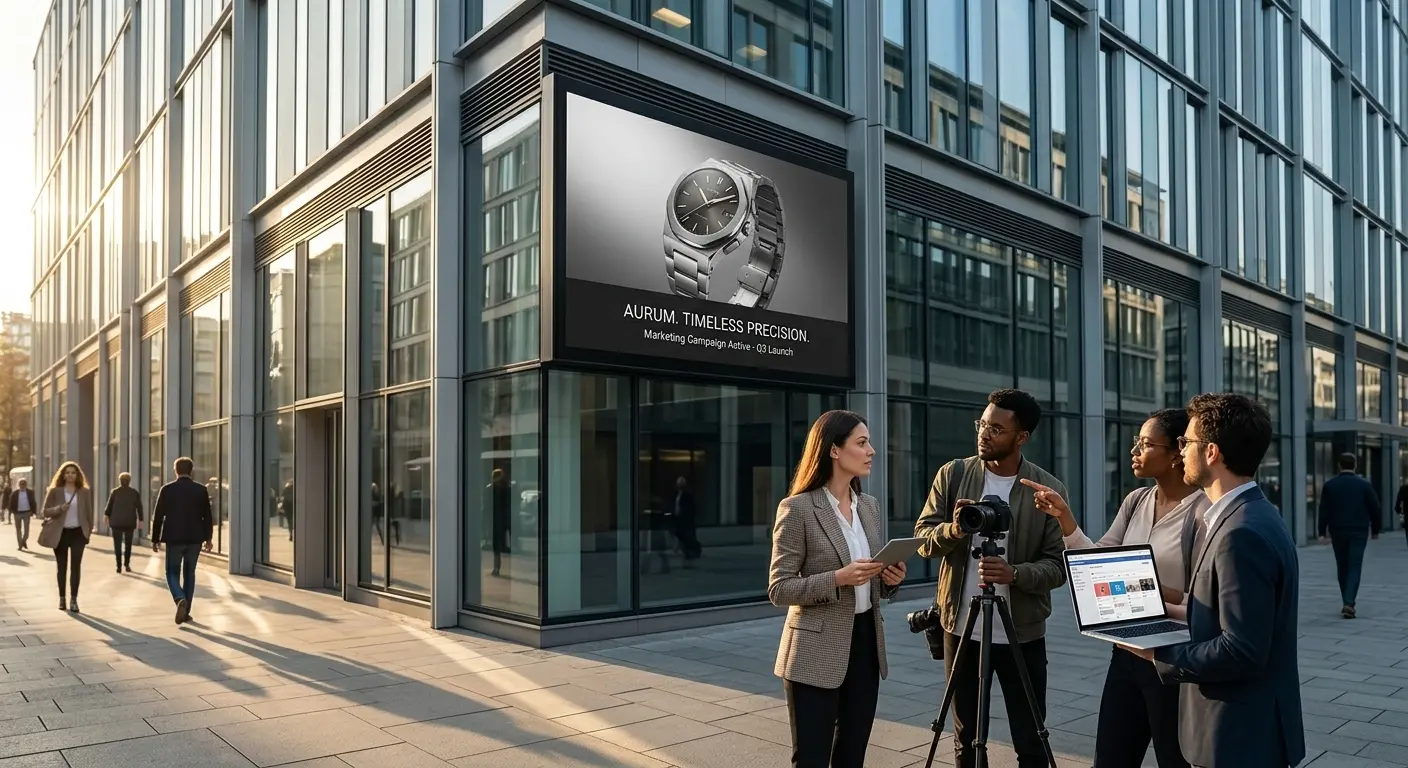
Turn a launch line into a moving mock-up your stakeholders can comment on the same day.
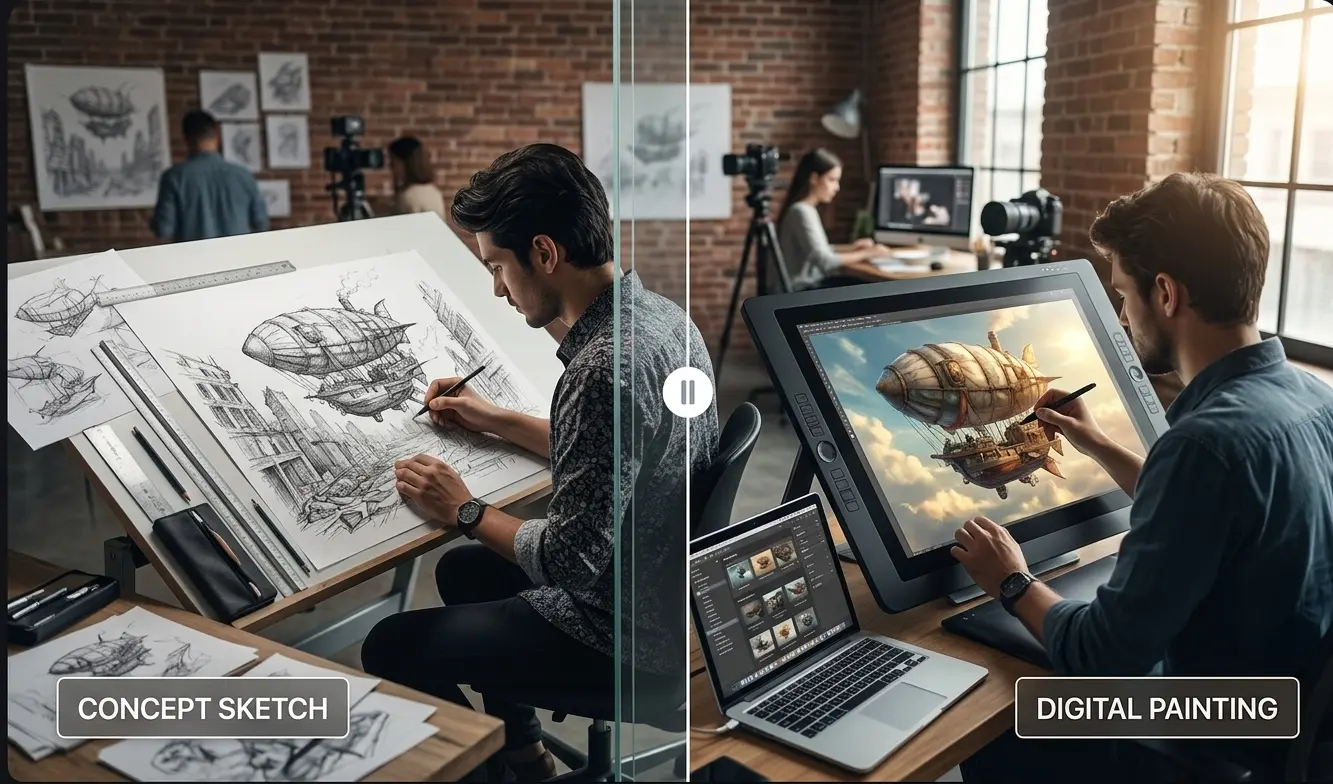
Block out action, camera, and character beats with prompts and references before you commit to a full shoot.
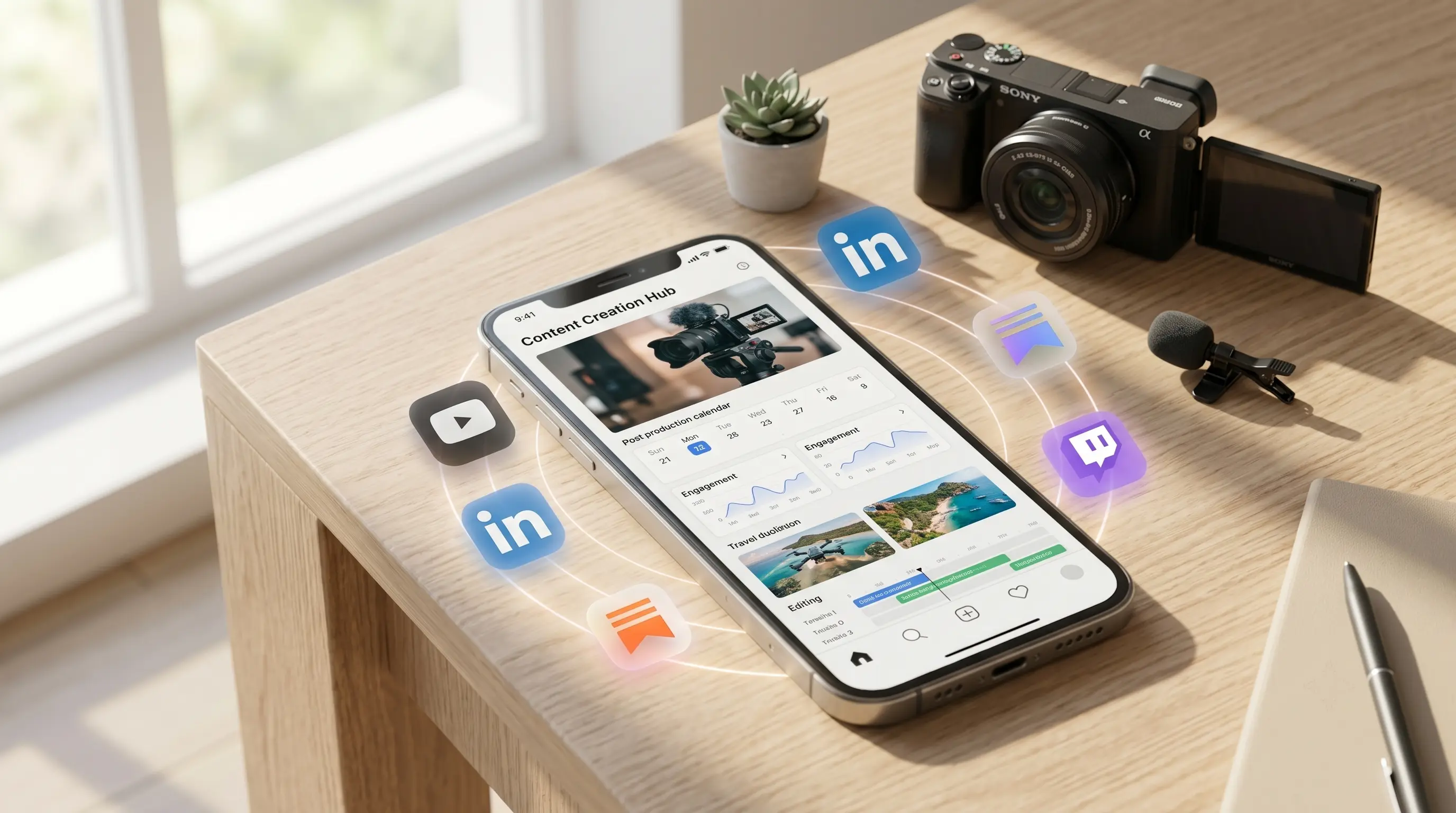
Draft vertical posts, serial content, or dance-style ideas—bring references when your mode allows.
FAQ
Models, modes, credits, and where downloads land—before you spend credits.
Scroll to the generator, pick Seedance or Veo, and run your first preview on this page.
Create a VideoAIDance is an independent AI platform for video and image creation. AIDance is not affiliated with, endorsed by, or sponsored by OpenAI, Google, ByteDance, or any other AI model provider. Model names and trademarks belong to their respective owners.